Welcome to iCenter
Explore our premium tech products

Explore our premium tech products
Explore our diverse range of collections featuring the latest accessories, gadgets, and tech essentials curated to meet your needs.
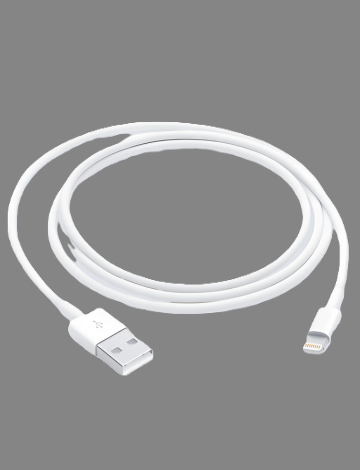
Check out the latest additions to our store.
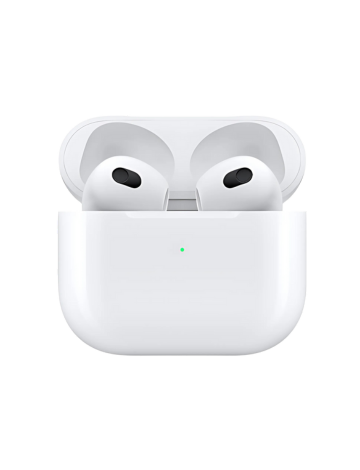
Discover our most popular and top-rated products.
Explore our collection of ACCESSORIES devices.
Explore our collection of AIRPODS devices.
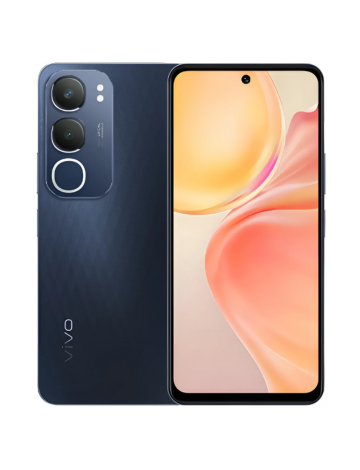
Explore our collection of ANDROID devices.

Explore our collection of IPAD devices.
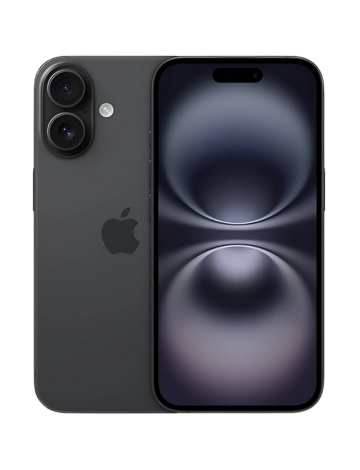
Explore our collection of IPHONE devices.
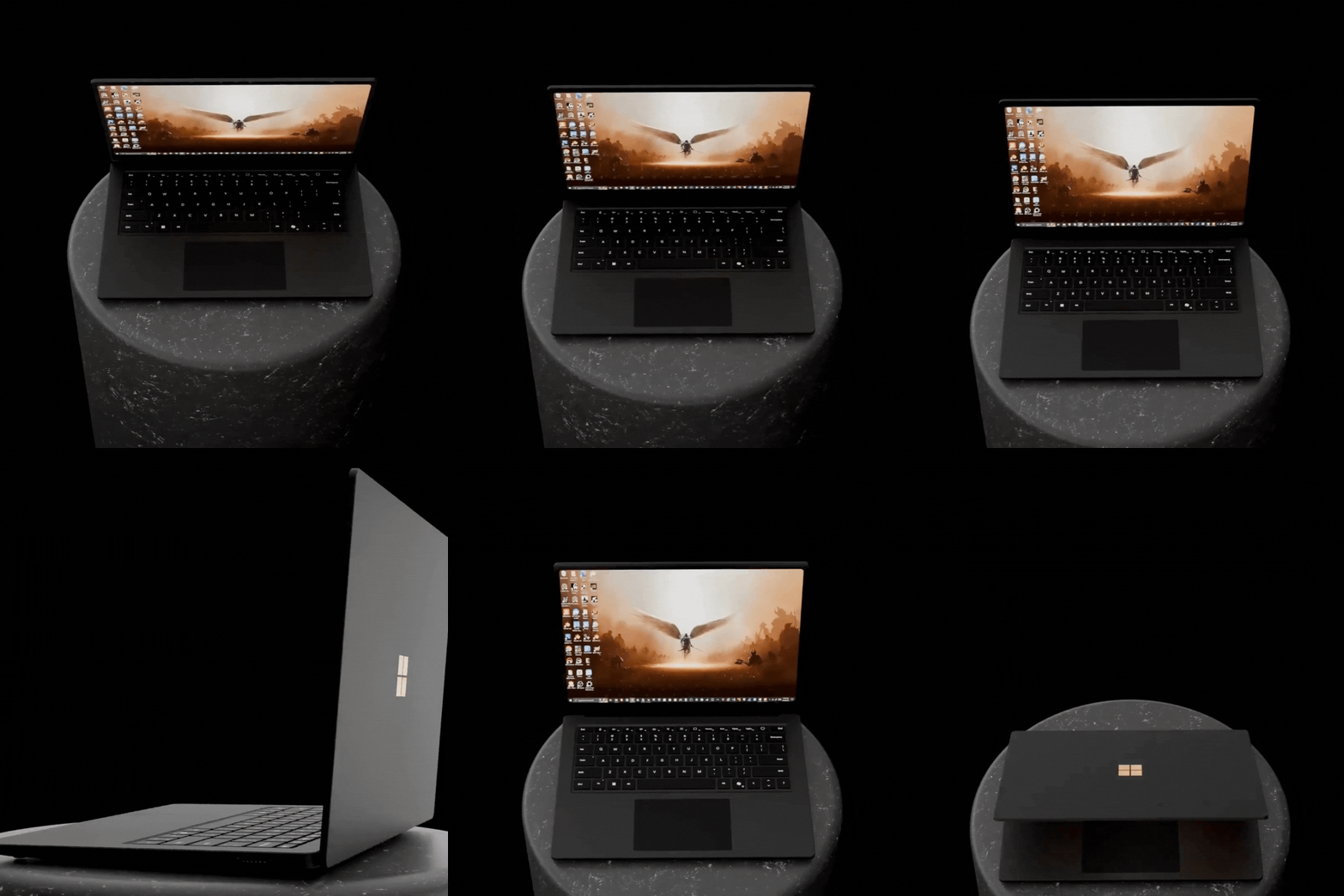
Explore our collection of LAPTOP devices.
Explore our collection of MACBOOK devices.
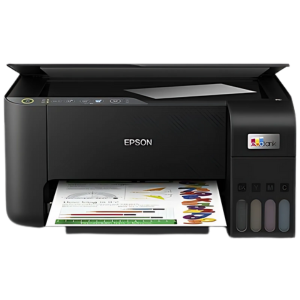
Explore our collection of PRINTER devices.
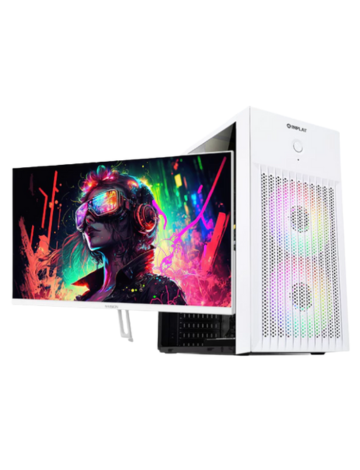
Explore our powerful PC Sets and Computer components.
Real reviews from our valued customers.
Product ID:
Would you like to proceed with reserving this product?
We're here to help! Reach out to us through any of the channels below.
Reserving your favorite tech is easy. Just follow these simple steps:
We accept returns within 30 days of purchase for the following reasons:
Please bring your official receipt and the item in its original, complete packaging to process your return.
iPhones, iPads, and other Apple devices come with a 1-year international warranty.
Most accessories are covered by a 6-month warranty against manufacturing defects.
Warranty for other devices follows the respective manufacturer's policy. Please check the product documentation.
To claim warranty, please present your official receipt and the warranty card provided upon purchase.
You can use the search bar at the top right of the page. Click the icon, start typing a product name, brand, or model, and matching results will appear instantly.
Under the "OUR PRODUCTS" section, you'll find category buttons like "IPHONE", "LAPTOP", etc. Click on any of these to see all products in that category. You can use the arrow buttons to scroll through the products.
Simply click the "View Details" button on any product card. A window will pop up showing more images, specifications, and pricing information.
Go to the "Reservations" page from the top menu. You can fill out the form to reserve a product. Please note that reservations are subject to stock availability and confirmation from our team.
For immediate assistance, you can use the live chat widget at the bottom right of the screen. You can also find our contact number and location in the "Contact Us" section under "Customer Care".
₱0.00
A great choice! Add this item to your wishlist to save it for later.
Are you sure you want to remove this item from your wishlist?